Append-and-Review: A Better Way to Use a Notes App
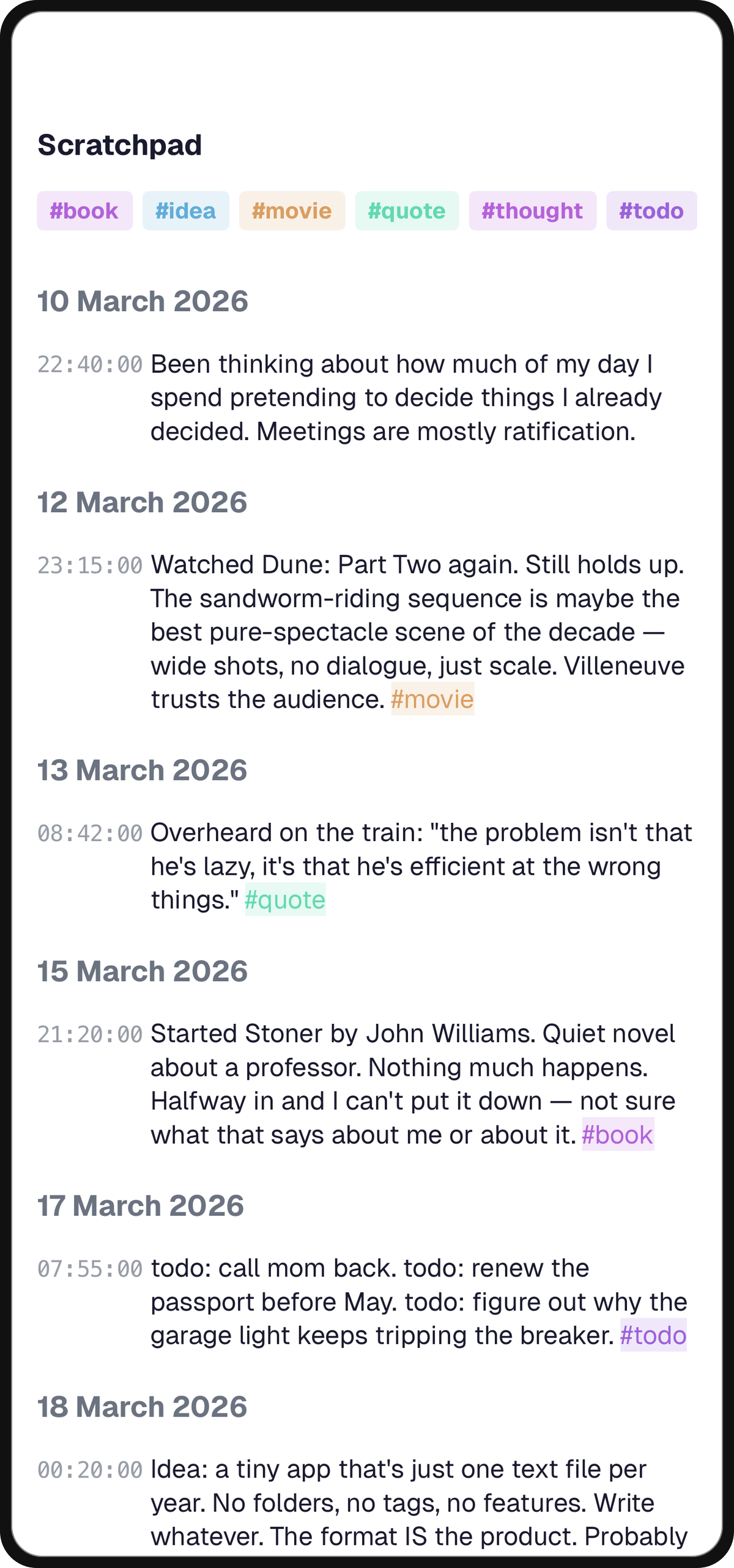
Most notes apps have an implicit bias: they make creating a new note frictionless and reading an old one work. Hit ⌘N, start typing, move on. The result is the shape every heavy notes-app user eventually describes — hundreds of orphan notes, titled things like "ideas 3" and "scratch," none of them ever opened again.
The fix isn't organization. Folders, tags, bidirectional links — none of them save you from the root problem, which is that most notes shouldn't have been new notes in the first place. They should have been appended to an existing thread, and reviewed later on a schedule.
Append First, Name Later
Before you hit ⌘N, check whether the thing you're about to write belongs in a note you already have open. Nine times out of ten, it does.
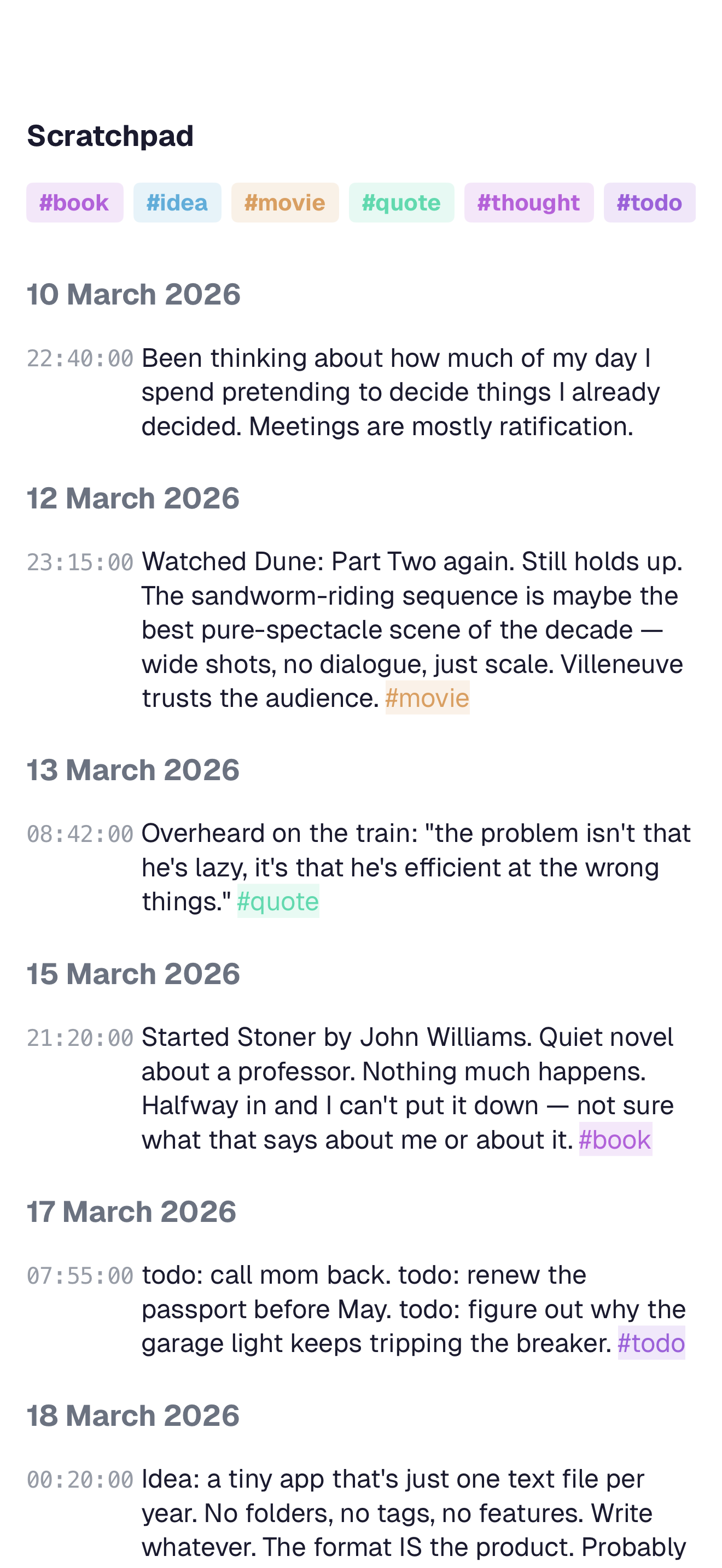
Default to the Existing Thread
That half-formed thought about next week's feature belongs in the project note, not a new "feature ideas" note. The quote from the podcast belongs in the inspiration thread you started in February. The code snippet belongs in your snippets scratchpad.
Timestamps Do the Navigation for You
A long, messy note with ten timestamped appends is easier to read later than ten tiny notes scattered across a flat list.
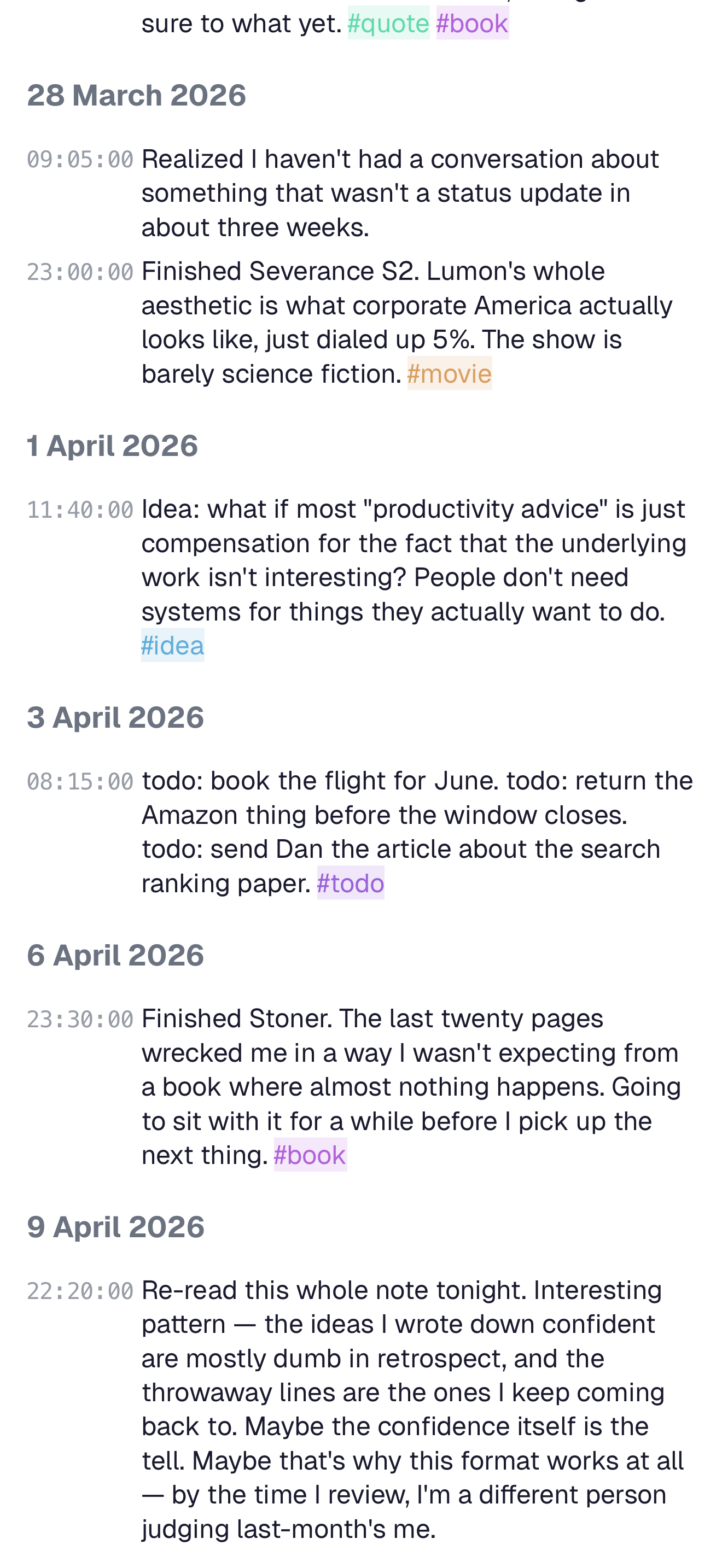
You scroll from most recent to oldest, and your brain fills in the context from dates alone. The only legitimate reason to create a new note is when the thing genuinely doesn't belong in any existing thread.
The Review Pass Is Short and Ruthless
Once a week, run a review pass over everything you appended to. This is where notes earn their keep.
Fifteen Minutes, Three Moves
You open notes you touched this week and do three things to each:
- Delete anything that's no longer relevant. An idea you talked yourself out of. A half-quote you can't remember the source of. A TODO that's now stale.
- Promote anything that turned out to matter. A line buried in scratch that's actually a decision — pull it up, give it its own heading, link it from wherever it belongs.
- Leave everything else alone. You don't need to organize notes you might want later. You need to be able to find them, and timestamps plus full-text search already solve that.
Recency Is the Filter
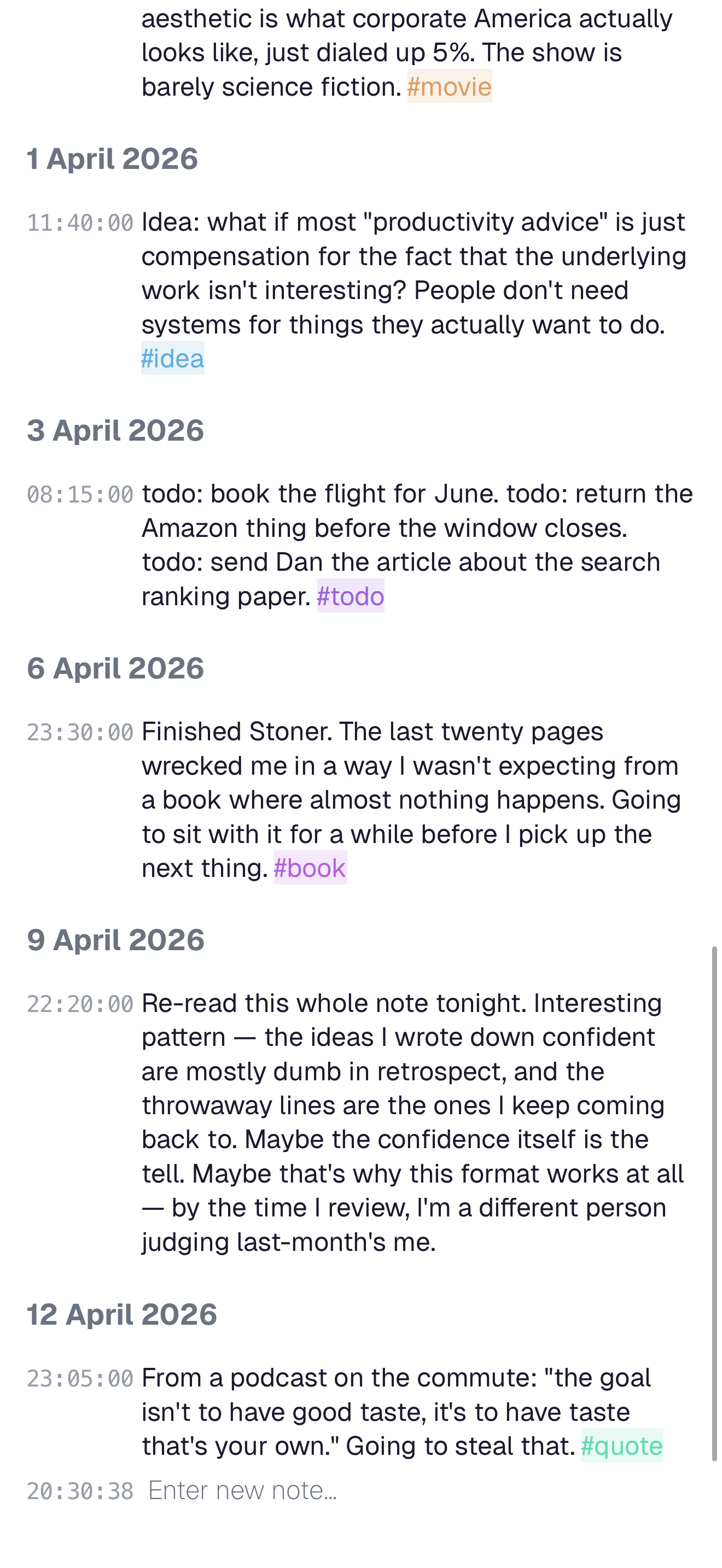
What makes the review work is that you only review what you recently touched — not the whole archive. The recency filter keeps the time bounded. The weekly cadence keeps the signal fresh, because you still remember the why behind each appended line.
What the Loop Produces
After a few months of append-and-review, a notes app starts to feel like a different kind of tool.
The Archive Stops Feeling Like a Chore
You stop being the person who "has to clean up their notes someday." New captures flow into the right thread automatically, because threads exist and you trust them.
Decisions Congeal on the Weekend
The weekly review is where decisions become real. You can point at the exact Sunday you decided to delay the SSR rewrite, because it's the line that got promoted out of scratch into the project note.
Tip
The whole workflow runs on two questions, asked at two different times: "Does this belong somewhere I already have?" during capture, and "Does this still matter?" during review. Everything else is negotiable.
Related Articles
A Meeting Notes App That Stays Out of Your Way
Most meeting notes get filed and forgotten. A simple append-only note per meeting, tagged by attendee and linked to the work it affects, gets read again.
The Simplest Daily Journal App: One Note Per Day
Why a single note per day — timestamped, append-only, and reviewed weekly — is the lowest-friction journaling setup that actually sticks.
How to Keep a Trading Journal in a Notes App
A placeholder description while the real article is in progress.